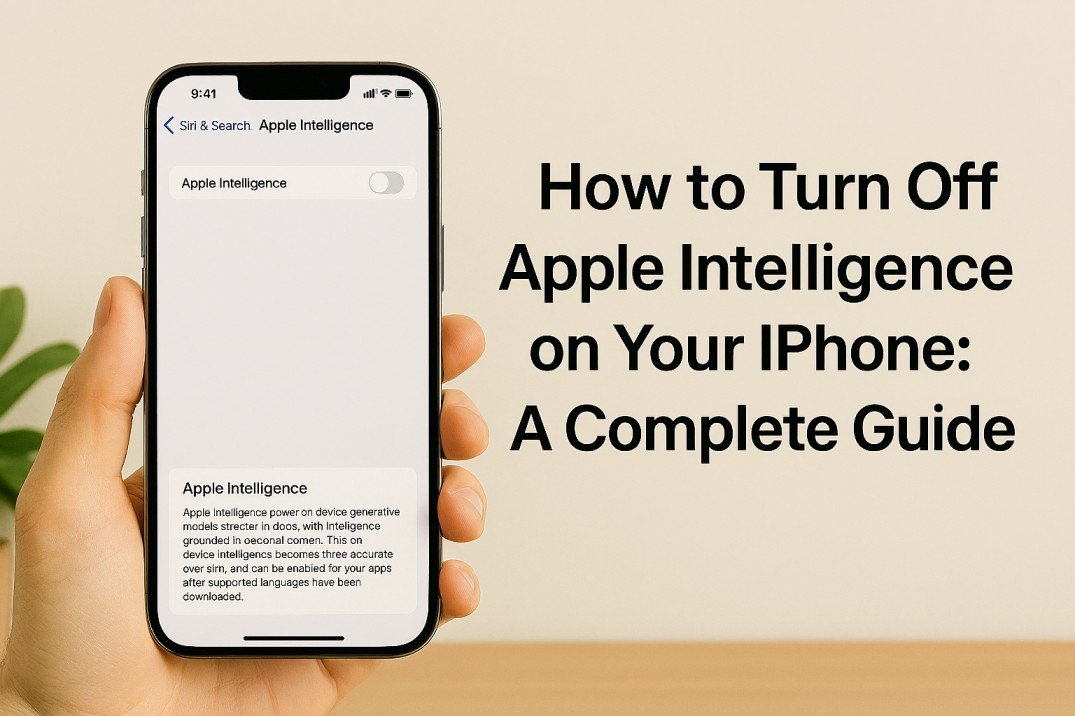
How to turn off Apple Intelligence on your iPhone
Apple Intelligence features on your iPhone use on-device machine learning to improve your experience...
How to Turn Off Apple Intelligence on Your iPhone: A Complete Guide
Your iPhone has a clever assistant called Apple Intelligence that learns your habits, recommends apps, anticipates your next words, and even uses artificial intelligence (AI) to arrange your pictures. It is intended to make your phone feel intuitive and personal. However, you may be wondering how to disable Apple Intelligence if you're feeling a little overwhelmed by how much it knows or if you just want more privacy and control. Fortunately, it's simple, and this guide will show you how to do it step-by-step.
What is Apple Intelligence?
Apple Intelligence powers many features like Siri Suggestions, smarter searches, predictive text, and photo memories. It runs on your device, analyzing data locally so Apple doesn’t get your personal info. Yet, some users prefer to keep these features off for privacy or to keep their phone experience simple.
Why Turn It Off?
You might want to switch off Apple Intelligence because:
- You value privacy and don’t want your phone analyzing your habits.
- Suggestions and predictions feel distracting or inaccurate.
- You want a simpler, less personalized experience.
- You want to save a bit of battery life and reduce background activity.
How to Turn Off Apple Intelligence on Your iPhone
Apple doesn’t have one big switch to turn everything off, but you can disable major features easily. Here’s how:
- Disable Apple Intelligence Entirely (iOS 18.1 and later with compatible devices like iPhone 15 and newer):
- Open Settings on your iPhone.
- Scroll down and tap Apple Intelligence & Siri.
- You’ll see a toggle for Apple Intelligence at the top just switch it off.
- Confirm when prompted by tapping Turn Off.
This will disable most AI-powered features, including smart suggestions, predictive text enhancements, and photo memories.
- Turn Off Specific Features:
- Siri Suggestions:
Go to Settings > Siri & Search, then turn off options like Suggestions in Search, Look Up, and Lock Screen to stop Siri from popping up recommendations. - Predictive Text:
Head to Settings > General > Keyboard, then toggle off Predictive to stop your keyboard from guessing your next words. - Photo Suggestions:
In Settings > Photos, turn off Show Siri Suggestions and Show Memories if you want to stop automatic photo groupings and suggestions. - App Suggestions on Home Screen and Lock Screen:
Go to Settings > Home Screen, then toggle off Suggested and Recent Apps to keep your home screen simple.
- Siri Suggestions:
- Additional Privacy Options:
- Limit ad tracking via Settings > Privacy & Security > Apple Advertising by turning off Personalized Ads.
- Restrict location sharing in Settings > Privacy & Security > Location Services.
- Disable analytics sharing under Settings > Privacy & Security > Analytics & Improvements.
What Happens After Turning Off Apple Intelligence?
When you switch off Apple Intelligence, your iPhone stops analyzing your patterns to suggest apps, predict text, or group photos automatically. The phone works in a more manual way, giving you control without proactive tips or suggestions. You may notice some conveniences missing, but your privacy will feel tighter and usage less distracting.
Can You Turn It Back On?
Absolutely! If you want Apple Intelligence back, just follow the same steps and toggle the feature on. Your iPhone will download needed AI models again, and your smart assistant Siri will regain its handy predictive powers.
Final Thoughts
Apple Intelligence is a potent tool designed to make using your iPhone smooth and customized. However, disabling Apple Intelligence is a simple method to take back control if you prefer privacy, simplicity, or less distraction. To personalize your experience and use your iPhone as you see fit, simply follow the instructions provided here.
Manage your settings with confidence and take advantage of the ideal privacy and smart technology balance for your way of life.
For US iPhone users seeking straightforward, useful guidance on managing Apple Intelligence features while maintaining privacy and usability, this approachable manual was created.